
Initiative Tracker
Combat in tabletop role-playing games runs smoothly when everyone can see whose turn it is. These initiative tracker templates give the game master a clear sheet for turn order, hit points, defences and conditions, and give players tent cards that hang over the screen so the table knows who is up next. They are system-neutral, so they suit most fantasy and sci-fi games.
- Instant download
- Editable Word & Excel
- Print-ready PDF
- 7-day refund
Quick answer
A printable initiative tracker helps a game master record combat turn order, hit points, defenses, conditions, and round-based effects on paper. For tabletop RPGs, the most useful printables are a main combat tracker, visible turn-order cards, numbered initiative cards, and a round or effect strip so players can see who acts next and the GM can track changes quickly.
7 files · PDF, DOCX, XLSX
Initiative Tracker Pack
Printable combat tracker, round and effect strip, fold-over turn order cards, numbered initiative cards, condition and monster quick-stat cards and an Excel initiative tracker.
- Combat tracker (PDF/DOCX)
- Round strip (PDF)
- Turn order cards (PDF)
- + 4 more
$5.00 USD, one-time 7 files · about $0.71 each
- Instant download
- 7-day refund
- Secure checkout by Stripe
7-day money-back guarantee. Full refund within 7 days of purchase, even after you download.
Free sample: Combat Tracker (PDF, 63 KB)
Initiative Tracker Pack
Printable combat tracker, round and effect strip, fold-over turn order cards, numbered initiative cards, condition and monster quick-stat cards and an Excel initiative tracker.
- Combat tracker (PDF/DOCX)
- Round strip (PDF)
- Turn order cards (PDF)
- Initiative cards 1–30 (PDF)
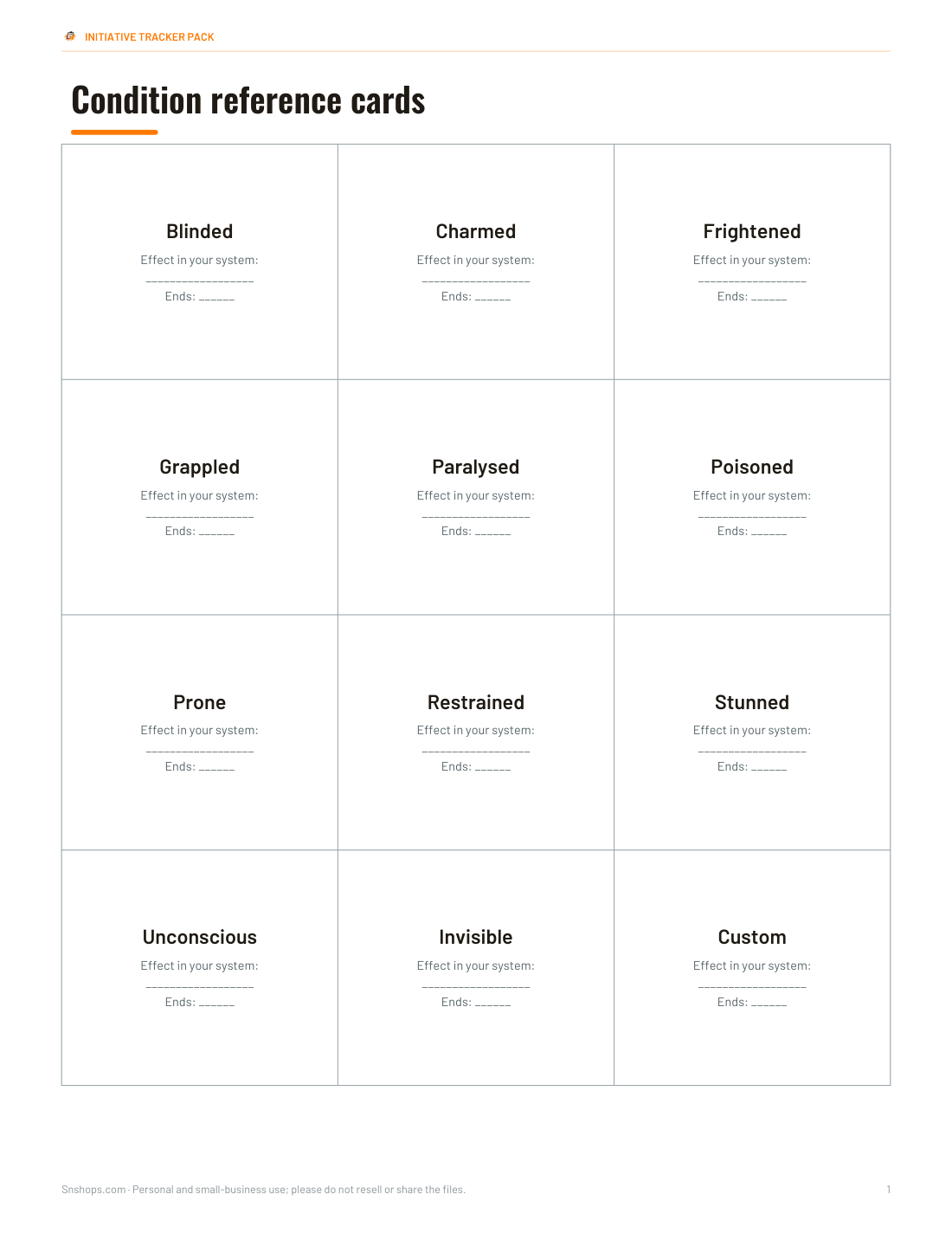
- Condition cards (PDF)
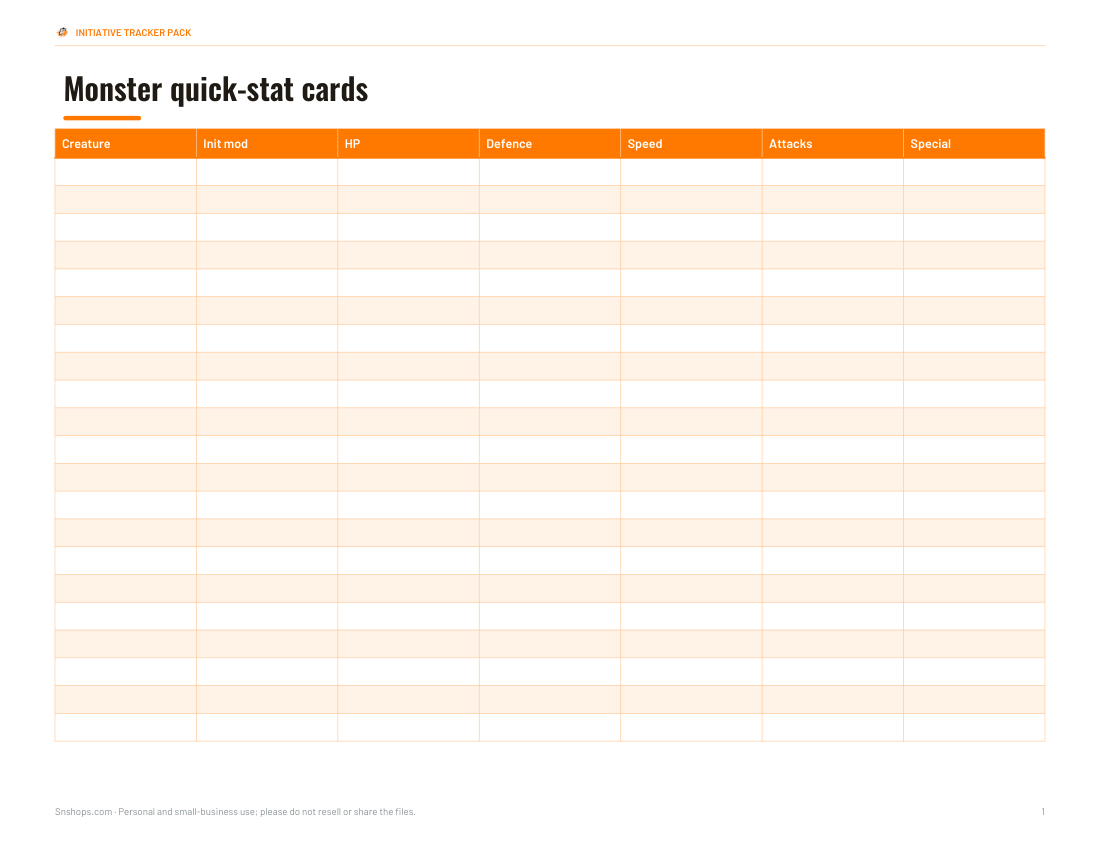
- Monster stats (PDF/DOCX/XLSX)
- Excel tracker (XLSX)
Formats: PDF, DOCX, XLSX. Instant download after payment (link valid 72 hours, up to 5 downloads). AI-assisted: the templates were drafted with AI help and reviewed and laid out before publishing.
$5.00 USD, one-time 7 files · about $0.71 each
- Instant download
- 7-day refund
- Secure checkout by Stripe
7-day money-back guarantee. Full refund within 7 days of purchase, even after you download.
Free sample: Combat Tracker (PDF, 63 KB)
Full refund within 7 days — see the refund policy and license.
Free printables
Single sheets you can print right now, no sign-up. The full pack adds every sheet in one download plus the editable files.
 Printable Combat Tracker Sheet1 page · free PDF
 Printable Initiative Round Strip1 page · free PDF
 Printable Turn Order Cards1 page · free PDF
 Printable Initiative Cards 1–301 page · free PDF
 Printable Condition Reference Cards1 page · free PDF
 Printable Monster Stats Sheet1 page · free PDF
 Printable Initiative Tracker Sheet2 pages · free PDF
Printable Initiative Tracker Options
Use these common printable formats to keep tabletop RPG combat organized at the table.
| Printable | Best for | What to track |
|---|---|---|
| Combat tracker | GM notes | Initiative, HP, defense |
| Turn-order cards | Table visibility | Character or monster names |
| Numbered cards | Sorting turns | Initiative values |
| Round strip | Timed effects | Round number, duration |
| Condition cards | Status reminders | Condition name, notes |
| Monster stat sheet | Enemy reference | HP, defense, attacks |
| Dry-erase copy | Reuse | Changing combat notes |
What an initiative tracker does
At the start of combat, each participant rolls or is assigned an initiative value, and turns go from highest to lowest. A tracker records that order, plus the information the game master checks constantly: hit points, armour or defence, active conditions and how many rounds effects have left. Writing it down once saves repeated questions and keeps combat moving.
Templates in the pack
| Template | Use |
|---|---|
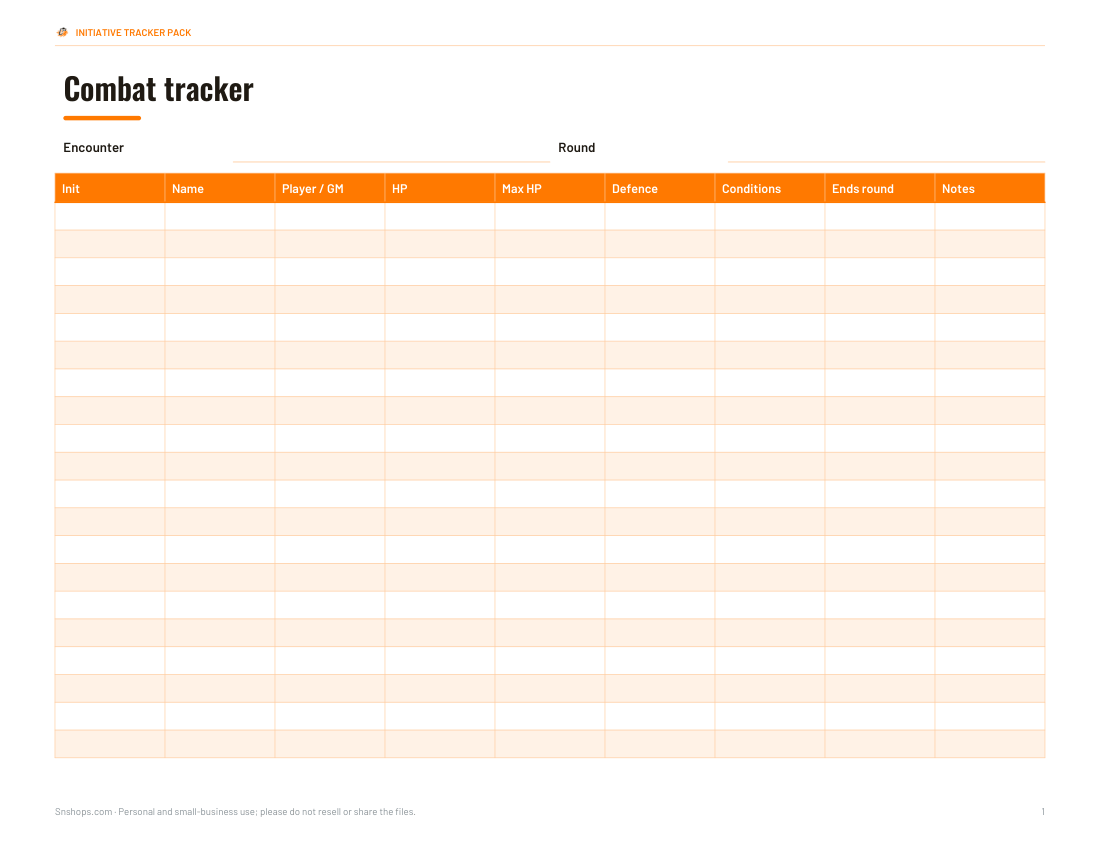
| Full-page combat tracker | Up to 20 combatants with initiative, HP, defence, conditions and notes |
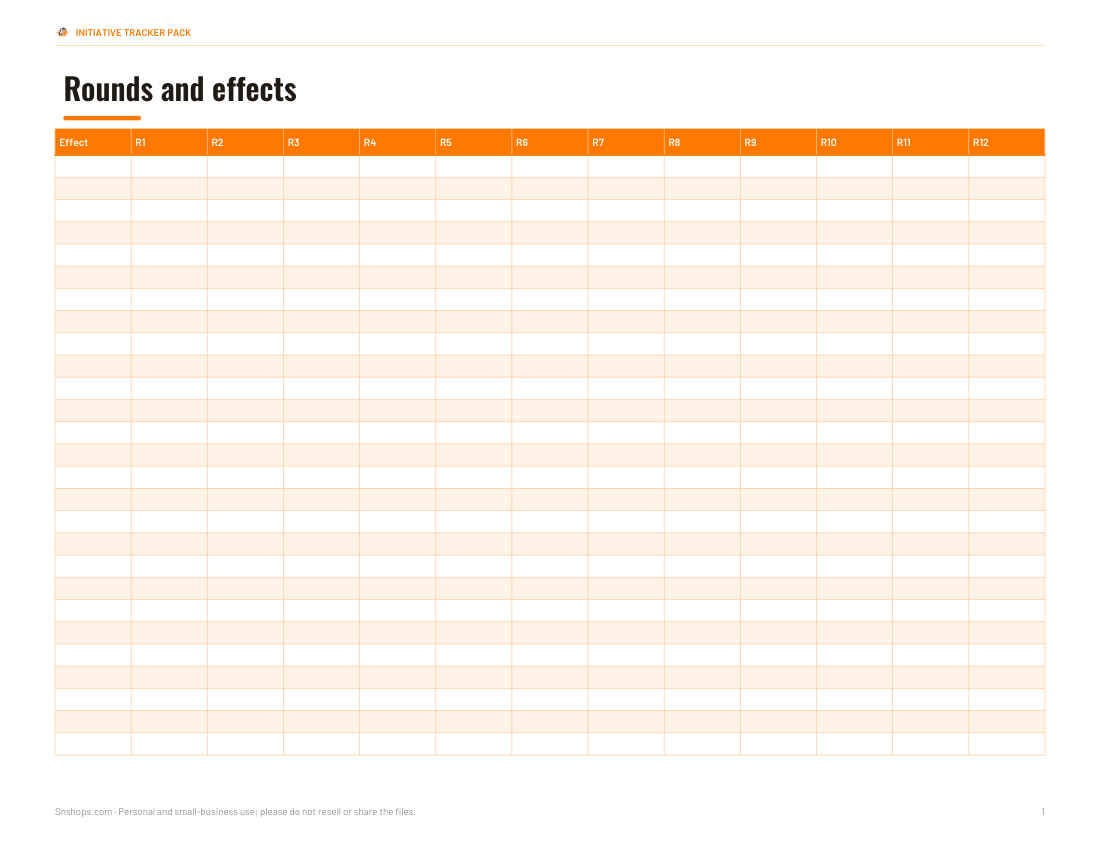
| Round tracker strip | Tick off rounds and effect durations |
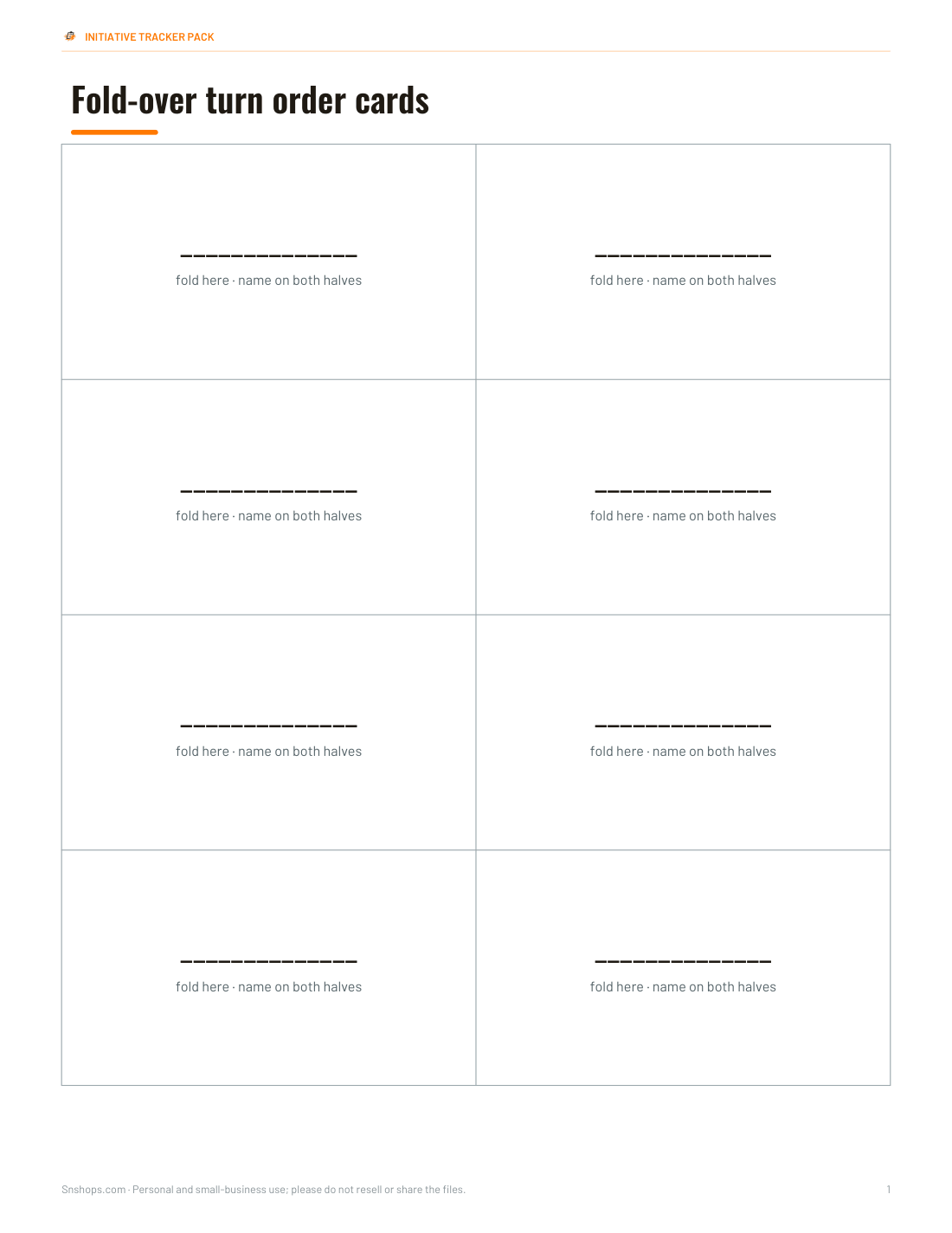
| Fold-over turn order cards | Hang over the GM screen; names on both sides |
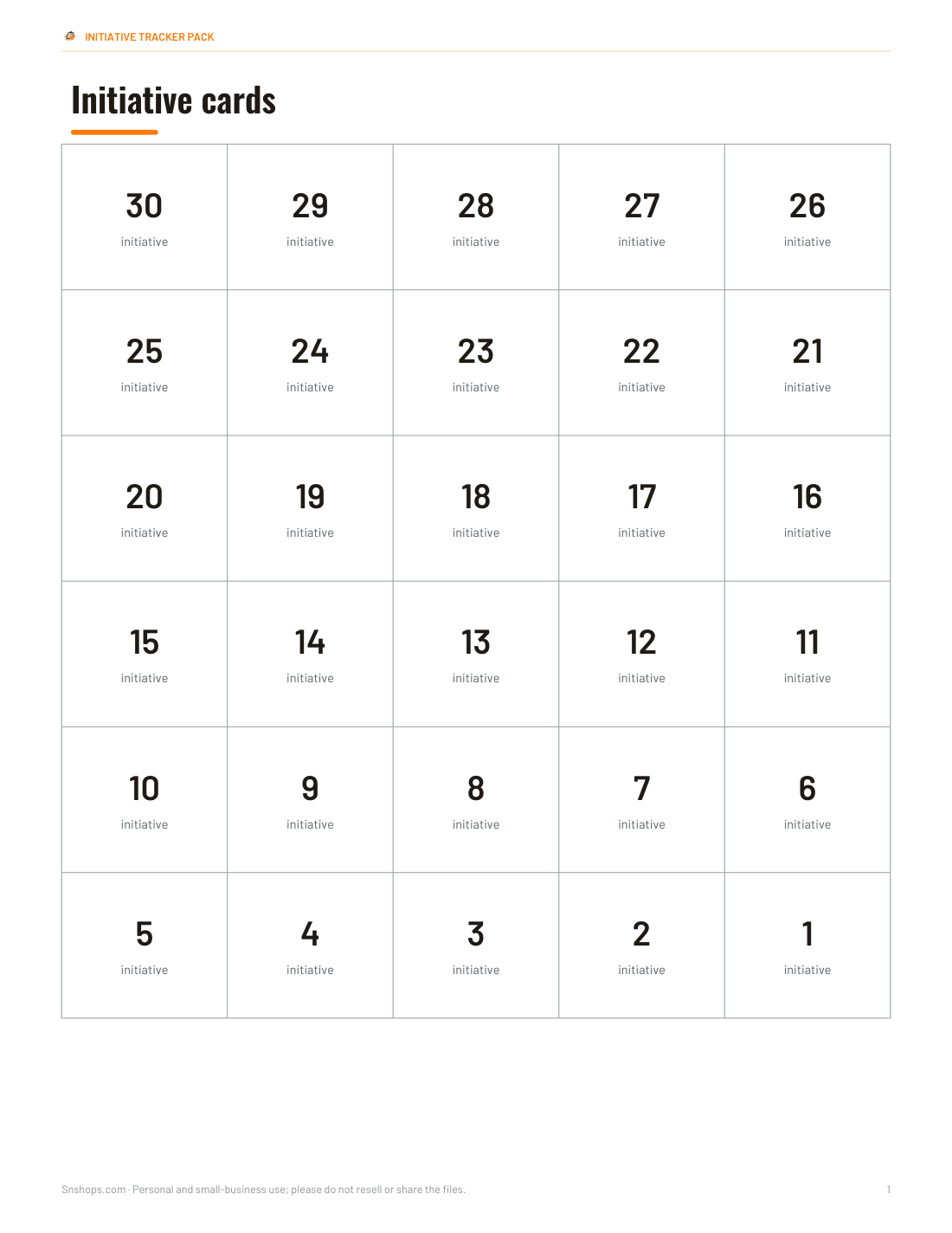
| Numbered initiative cards | Clip cards in order on a string or screen |
| Condition reference cards | Common conditions with space to write your system’s effects |
| Monster quick-stat cards | Key numbers for each creature type |
| Excel initiative tracker | Enter rolls; order sorts automatically with tie-break |
Condition names and effects differ between game systems, so the cards leave space for your rules text rather than reproducing any publisher’s rules.
How to run initiative with a tracker
- Before the session, list player characters with their initiative modifiers.
- When combat starts, collect rolls and write them in order — ties broken by your system’s rule (often the higher modifier goes first).
- Group identical enemies on one line to speed things up.
- Mark HP and conditions as they change; note the round when an effect ends.
- Hang turn cards on the screen so players know who’s next.
- At the end of each round, tick the round counter and check expiring effects.
Worked example
A GM runs a fight with four player characters and six goblins split into two groups. Initiative rolls are 19, 17, 15, 12 for the players and 14 and 9 for the goblin groups. The tracker lists them in order — 19, 17, 15, 14 (goblins A), 12, 9 (goblins B) — with each goblin’s HP in small boxes on the same line. When a spell makes two goblins frightened until the end of round 3, the GM writes “frightened → R3” next to them and crosses it off when the round counter reaches 3.
Tips for faster combat
- Pre-roll initiative for monsters before the session.
- Let players track their own HP and announce when they are bloodied.
- Use turn cards so the next player can plan while the current one acts.
- Keep a “delayed/readied” area on the tracker for characters who hold their action.
- Use the same colour for allies and another for enemies.
- Laminate the tracker and use dry-wipe pens to reuse it every session.
Printing and reusing
Print the full-page tracker on card stock and slip it into a sheet protector, or laminate it, so you can write with dry-wipe markers. Turn order cards work best on heavier card, folded along the dashed line. The Excel tracker is handy for online games — share your screen or paste the order into chat.
What’s in the pack
- Full-page combat tracker (PDF and editable DOCX)
- Round and effect duration strip
- Fold-over turn order cards (8 per sheet)
- Numbered initiative cards 1–30
- Condition reference cards with blank rules space
- Monster quick-stat cards
- Excel initiative tracker with automatic sorting
All templates print on US Letter and A4.
AI-assisted content
Templates were drafted with AI assistance and reviewed before publishing. They are generic tools and do not include rules text from any published game.
Frequently asked questions
What should go on an initiative tracker card?
Usually the character or monster name, initiative number, and any quick notes the GM needs during combat. Cards work best when they are readable from across the table.
Is a printable initiative tracker better than an app?
Paper is often faster at an in-person table because everyone can see the order without passing a device around. Apps can be better for online play or automated sorting.
How do I track delayed or readied actions?
Set aside a small area for delayed or readied turns, then move that creature back into the order when it acts. Add a note so you remember what action was prepared.
What is an initiative tracker?
A sheet or tool that records combat turn order and key stats like hit points and conditions.
How do you break initiative ties?
It depends on your game system; a common rule is higher modifier first, or players decide among themselves.
Can I use these for any game system?
Yes — they are system-neutral.
How do I reuse the tracker?
Laminate it or use a sheet protector with dry-wipe markers.
Does the Excel tracker sort automatically?
Yes — enter initiative rolls and the order column ranks them.
Is this a subscription?
No, it is a one-time download.